
Docs3 min readDecember 24, 2025
Why is my theme slower after installing apps?
Apps can add scripts, network requests, and UI overlays that impact speed and conversion.
It's common for stores to feel slower after installing apps because many apps add:
- extra JavaScript
- extra network requests
- additional UI components (popups, badges, widgets)
- tracking and analytics tags
Even if each app is "small", the combined effect can be significant—especially on mobile.
What "slower" usually means
- Slower first interaction (menu/search/cart feels delayed)
- Layout shift (page jumps as widgets load)
- Janky scrolling (overlays, sliders, heavy scripts)
- Slower product pages (reviews, recommendations, subscriptions)
Fast isolation checklist (do this first)
- Duplicate your theme so you can test safely.
- Temporarily disable or remove the most recent app(s) you installed.
- Re-test:
- homepage
- a collection page
- a product page
- cart drawer/cart page
- Check the browser console for JavaScript errors.
If performance improves immediately, you've found the culprit category.
High-impact offenders (most common)
- Popup/email capture apps
- Reviews widgets (especially on product pages)
- Bundle/upsell apps that hook into cart behavior
- Multiple analytics/pixel tools running at once
- "All-in-one" personalization tools that load heavy scripts globally
How to keep apps without wrecking performance
Prefer app blocks over script injection
If an app supports Theme App Extensions (app blocks), it typically integrates cleaner and is easier to control per template.
Load apps only where they matter
- Reviews only on product pages
- Upsells only on cart/product templates
- Popups only on key entry pages (and not instantly)
Avoid duplicate functionality
If your theme already includes:
- quick add
- badges
- announcement bar
- recommendations …you often don't need an app that replaces them.
Keep tracking lean
Multiple tracking tools can duplicate requests and block the main thread. Aim for:
- one tag manager approach
- clear consent behavior (where required)
- only the events you actually use
Quick wins that often help
- Disable popups during testing (they're a frequent culprit)
- Remove unused app embeds/scripts
- Reduce the number of sections/widgets above the fold
- Keep product media consistent and not oversized
When to get support involved
If you can reproduce the slowdown with a specific app enabled, send support:
- store URL
- the app name(s)
- the affected pages
- steps to reproduce
- a short screen recording
Related articles
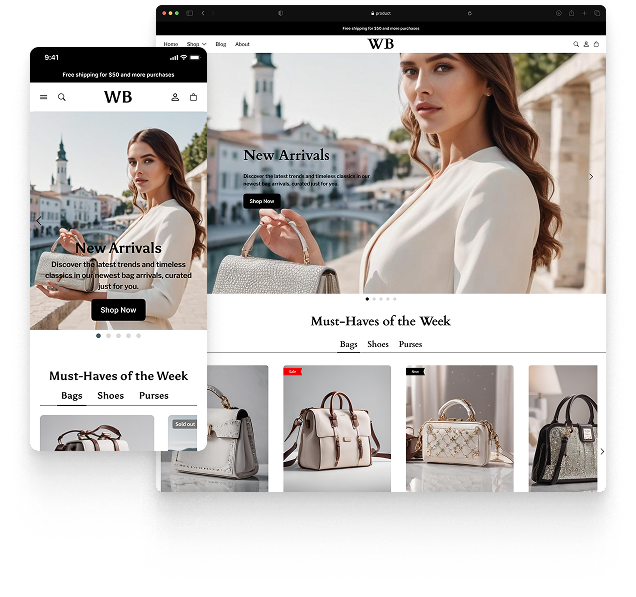
Featured theme: Fennec
Fast, responsive, SEO-ready theme built for conversion.
- Online Store 2.0 sections
- Performance-first layout
- Accessible, SEO-ready foundation
