
Docs2 min readDecember 24, 2025
Troubleshooting & support
Quick fixes for the most common setup issues.
If something looks wrong, it's usually one of these.
"My homepage looks nothing like the demo"
- You may be using default content/settings
- Import your starter layout (if your theme provides one)
- Confirm you're editing the correct theme (unpublished vs published)
"My menu is missing"
- Set the menu in Header settings in the theme editor
- Confirm the menu exists in Online Store → Navigation
"Product images look cropped"
- Check image aspect ratio vs section/card ratio
- Keep ratios consistent within a grid
"Variant swatches aren't showing"
- Ensure option names are consistent (e.g. "Colour")
- Confirm swatches are enabled in theme settings
- Validate variant values are clean (no duplicates like "Navy " vs "Navy")
"An app widget disappeared"
- Re-add it as an app block in the theme editor
- Some apps require enabling in both product template and cart template
"The site feels slow"
- Reduce heavy media above the fold
- Compress images
- Limit the number of complex sections on the homepage
Getting help
When contacting support, include:
- Store URL
- Theme name + version (if available)
- A short screen recording of the issue
- The exact page/template affected
- Steps to reproduce
If the issue appeared after a change, duplicate the theme and test changes one-by-one to isolate the cause.
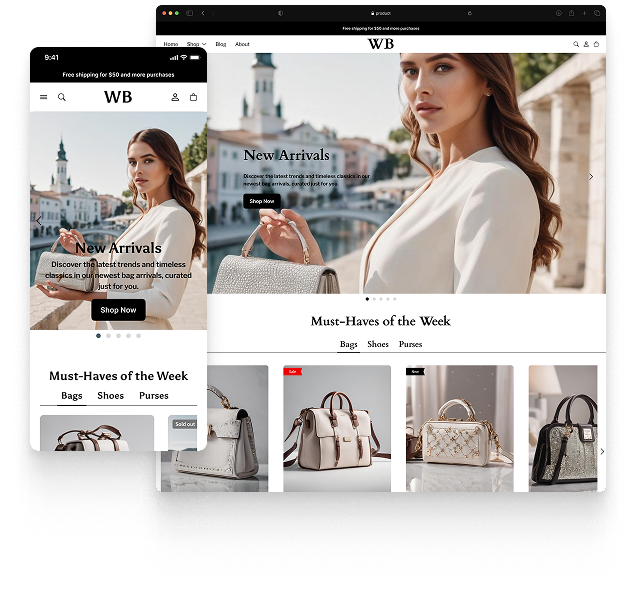
Featured theme: Fennec
Fast, responsive, SEO-ready theme built for conversion.
- Online Store 2.0 sections
- Performance-first layout
- Accessible, SEO-ready foundation
