
Docs1 min readDecember 24, 2025
Why aren't my filters showing (or showing the wrong options)?
Filters depend on Shopify setup, product data consistency, and theme configuration.
Filters are only as good as your product data and Shopify filter configuration.
The most common causes
- Filters aren't enabled in Shopify's filtering settings (Search & Discovery / storefront filtering).
- Your collection doesn't have enough products with those attributes (filters may hide if empty).
- Variant option names are inconsistent (e.g. "Colour" vs "Color").
- Product tags/types are messy or inconsistent.
Checklist
- Confirm filters are enabled for your store and collections.
- Check product data consistency:
- option names (Size/Colour)
- option values (avoid "Navy" vs "navy" vs "Navy ")
- product types and tags
- Confirm the collection template you're using has filtering turned on.
Why filters show "too much"
If everything is tagged with everything, filters become noisy.
- reduce tag sprawl
- use structured fields (metafields) where possible
- standardise naming conventions
Pro tip
Pick a small, high-signal filter set:
- Size, Colour, Price, Availability Then add only what genuinely helps browsing.
Related articles
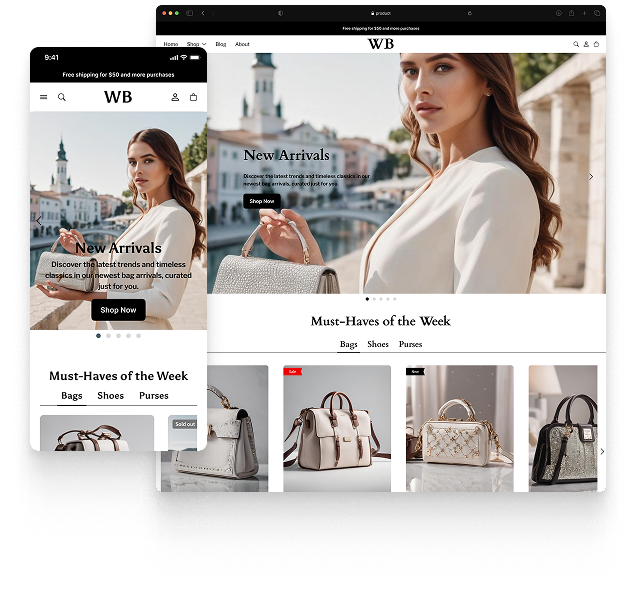
Featured theme: Fennec
Fast, responsive, SEO-ready theme built for conversion.
- Online Store 2.0 sections
- Performance-first layout
- Accessible, SEO-ready foundation
