
Docs1 min readDecember 24, 2025
Collections & filtering
Help customers find products fast with smart collection structure and filters.
Collections are how most customers browse. If collections are unclear, conversion suffers.
Collection structure that works
- Use high-level collections for top nav (e.g. "New In", "Men", "Women")
- Use smart collections for repeated patterns (e.g. "Under £100", "Best sellers")
- Keep overlaps intentional (a product can live in multiple collections)
Subcollections (when to use them)
Use subcollections to guide browsing without huge menus:
- "Men → Footwear → Trainers"
- "Women → Clothing → Knitwear"
Implement using:
- Navigation menus that mirror your hierarchy
- Optional subcollection links on collection pages (if your theme supports it)
Filtering (Shopify Search & Discovery)
Use Shopify's native filtering where possible:
- Size
- Colour
- Price
- Availability
- Product type / tags (carefully)
Best practices:
- Keep filters consistent across comparable collections
- Avoid 30+ filters (analysis paralysis)
- Use clear, human-friendly labels ("In stock" not "Availability: 1")
Sorting
Offer only a few useful sorts:
- Featured
- Newest
- Price: low to high / high to low
- Best selling (if your catalogue supports it)
Next step
Add helpful cues on product cards: Labels & badges
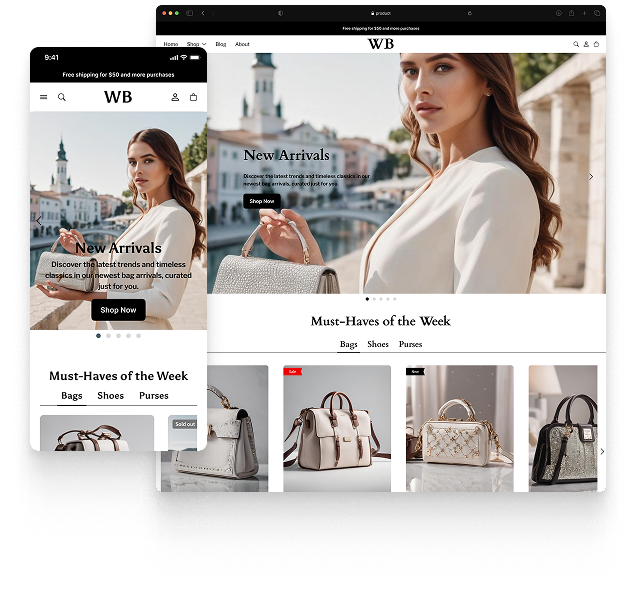
Featured theme: Fennec
Fast, responsive, SEO-ready theme built for conversion.
- Online Store 2.0 sections
- Performance-first layout
- Accessible, SEO-ready foundation
