
Docs1 min readDecember 24, 2025
Product media: images, video, and 3D
Make your product gallery feel premium without making pages heavy.
A good gallery helps customers decide. A messy gallery creates doubt.
Recommended gallery order
- Clean hero shot (front/3-quarter)
- Alternate angle
- Detail/texture shot
- On-body / in-context (if applicable)
- Size/scale reference
- Video (short)
- 3D (only if it adds real value)
Video tips
- Keep it short and purposeful (show fit, movement, or key detail)
- Avoid autoplay audio
- Prefer a single product video over many
3D models
Only use 3D if it helps the customer understand:
- complex shapes
- high-consideration products
- customisation
Common issues
- Gallery feels inconsistent: mixed ratios and inconsistent lighting
- Zoom doesn't feel sharp: source images too small
- Mobile feels slow: too many high-res images or videos above the fold
Next step
Configure browse and discovery: Collections & filtering
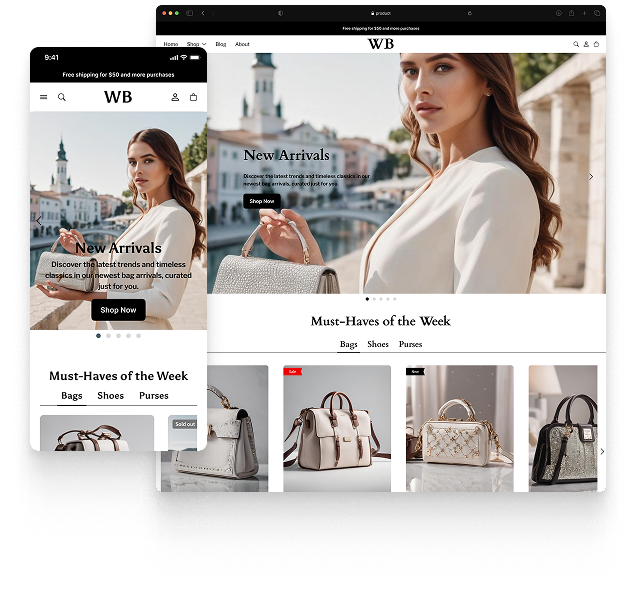
Featured theme: Fennec
Fast, responsive, SEO-ready theme built for conversion.
- Online Store 2.0 sections
- Performance-first layout
- Accessible, SEO-ready foundation
