
Docs1 min readDecember 24, 2025
Why isn't my announcement bar showing?
Common reasons the announcement bar is hidden and how to fix it.
If the announcement bar is enabled but you can't see it, it's almost always a visibility rule, a template mismatch, or a conflict with another element.
Quick checks
- You're editing the published theme (or previewing the correct draft).
- You're on the right template (some templates can disable the bar intentionally).
- The announcement bar is enabled in theme settings/header settings.
Visibility rules to look for
- Show only on homepage vs site-wide
- Show only on desktop or mobile
- Schedule dates/times (start/end)
- Country/market visibility (if your store uses markets/locales)
Common conflicts
- A sticky header setting that overlays it
- Apps that inject a top banner and push it off-screen
- Custom CSS that hides the bar or sets height to 0
Best practice
Keep announcement bars short and action-driven:
- one message
- one link/CTA
- avoid multiple rotating messages unless necessary
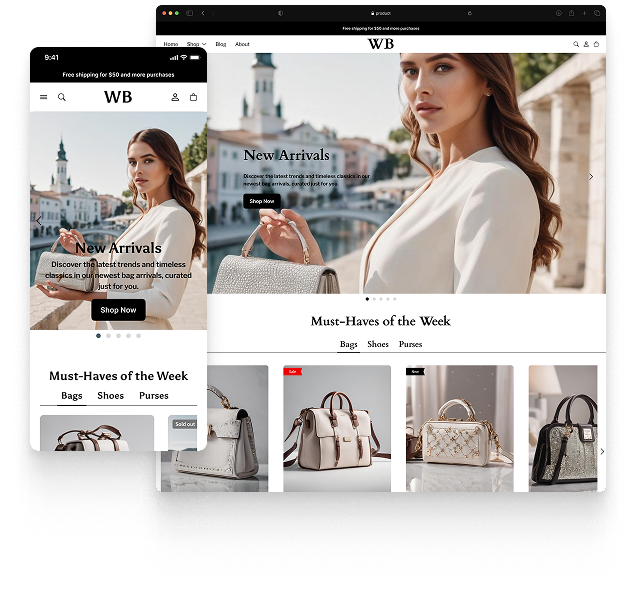
Featured theme: Fennec
Fast, responsive, SEO-ready theme built for conversion.
- Online Store 2.0 sections
- Performance-first layout
- Accessible, SEO-ready foundation
