
Docs2 min readDecember 24, 2025
Theme editor essentials
Understand sections, templates, and how to build pages without code.
Shopify's theme editor is where you assemble pages from sections and blocks, and control your theme's global styling.
The three layers you'll use
1) Theme settings (global)
These apply across your store:
- Typography
- Colours
- Buttons and form styles
- Spacing and animations (if enabled)
- Product grid and card behaviour
2) Templates (resource-specific)
Templates control which sections appear on:
- Products
- Collections
- Pages
- Blog posts
- Search, cart, etc.
A template can be:
- Default (applies to most items)
- Custom (assigned to specific products/pages)
3) Sections & blocks (page building)
Sections are the big building blocks (hero, gallery, featured collection). Blocks are the items inside a section (a slide, a card, a text row).
How to create a custom template
Use custom templates when you want a different layout for specific items (e.g. "Product — Longform").
- Open the theme editor on a product (or page/collection)
- Use the template selector at the top
- Create a new template based on an existing one
- Add/reorder sections until it's right
- Assign that template to the relevant product/page in Shopify admin
Best practice: start simple
- Keep your homepage to 4–7 primary sections
- Use a consistent section order across landing pages
- Avoid adding "everything everywhere"—clarity beats novelty
Editing workflow (fast + safe)
- Duplicate the theme before major changes
- Make changes in small batches
- Preview on mobile and desktop
- Publish when you've validated key pages
Troubleshooting editor issues
- If a section is missing: check the template you're editing (you might be on a different template than you think)
- If a block can't be added: the section may have a max limit (designed for performance)
- If spacing feels inconsistent: fix it in global theme settings first
Next step
Choose your base look: Style presets
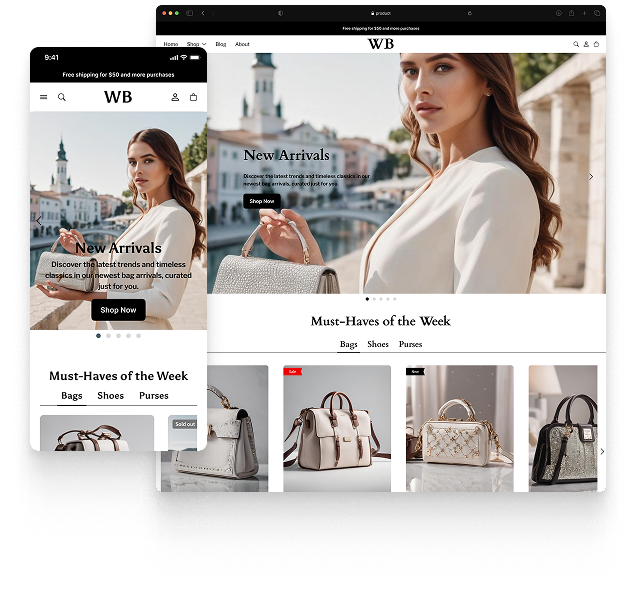
Featured theme: Fennec
Fast, responsive, SEO-ready theme built for conversion.
- Online Store 2.0 sections
- Performance-first layout
- Accessible, SEO-ready foundation
