
Docs1 min readDecember 24, 2025
How do I transfer the theme to a new store?
What moves, what doesn't, and how to avoid losing settings.
A theme transfer typically involves two separate things:
- The theme files (code)
- The theme configuration (settings + templates)
What to expect
- Theme files can be moved (export/import or repo-based workflows).
- Theme settings may not automatically match unless you also migrate config.
Recommended safe process
- Keep the current store theme as a backup.
- Move the theme to the new store as an unpublished theme.
- Rebuild key templates in the theme editor and verify:
- header/footer navigation
- product & collection templates
- cart behavior
- Reinstall/reconnect apps that add blocks to the theme.
Licensing note
If your business operates multiple stores, ensure you're aligned with the licensing terms for your theme purchase.
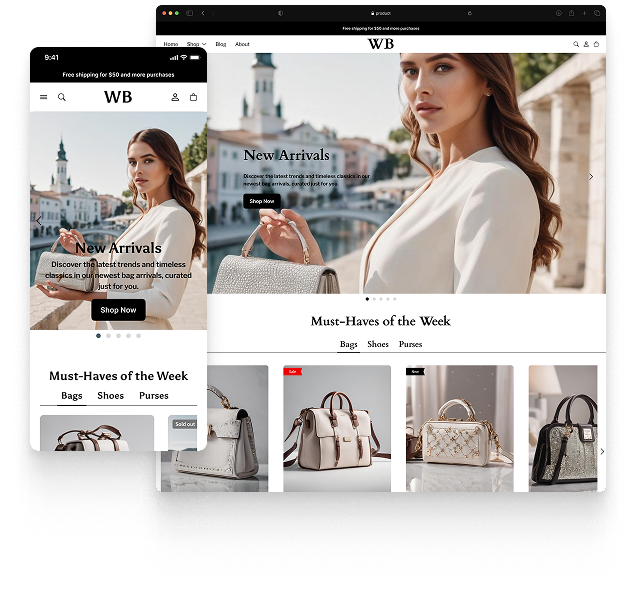
Featured theme: Fennec
Fast, responsive, SEO-ready theme built for conversion.
- Online Store 2.0 sections
- Performance-first layout
- Accessible, SEO-ready foundation
