
Docs1 min readDecember 24, 2025
What can I actually customize in checkout?
Checkout customization depends on your Shopify plan and platform constraints.
Checkout is more restricted than the rest of your storefront because Shopify protects payment and order flow.
What you can usually customize
- Brand styling (logo, colours) via Shopify settings
- Some checkout UI (plan-dependent)
- Apps that add approved checkout extensions (plan-dependent)
What you typically can't do
- Fully custom checkout layouts using theme code
- Arbitrary scripts or DOM hacks that interfere with payment flow
Best practice
Treat checkout as: "optimize the inputs you control"
- Make product pages clear
- Make cart frictionless
- Keep shipping/returns messaging obvious
- Use apps/extensions that follow Shopify's supported approach
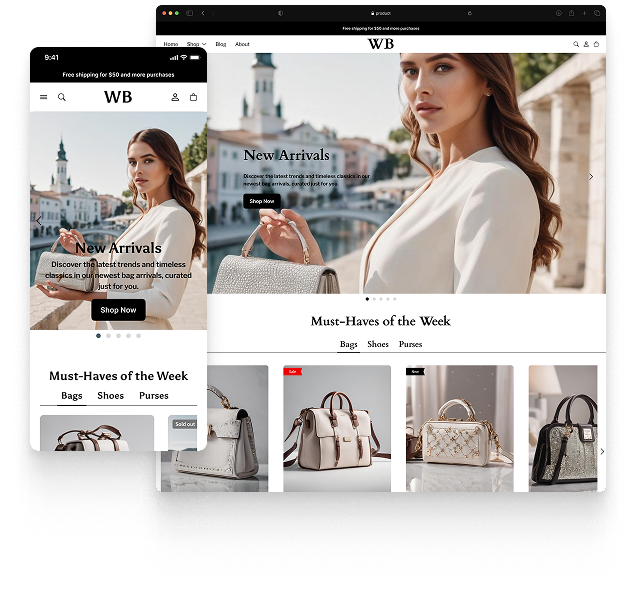
Featured theme: Fennec
Fast, responsive, SEO-ready theme built for conversion.
- Online Store 2.0 sections
- Performance-first layout
- Accessible, SEO-ready foundation
